How to Complete Your Interview Assignment
- Locate the assignment email from Quinncia and click the “VIEW YOUR ASSIGNMENT” button.
-
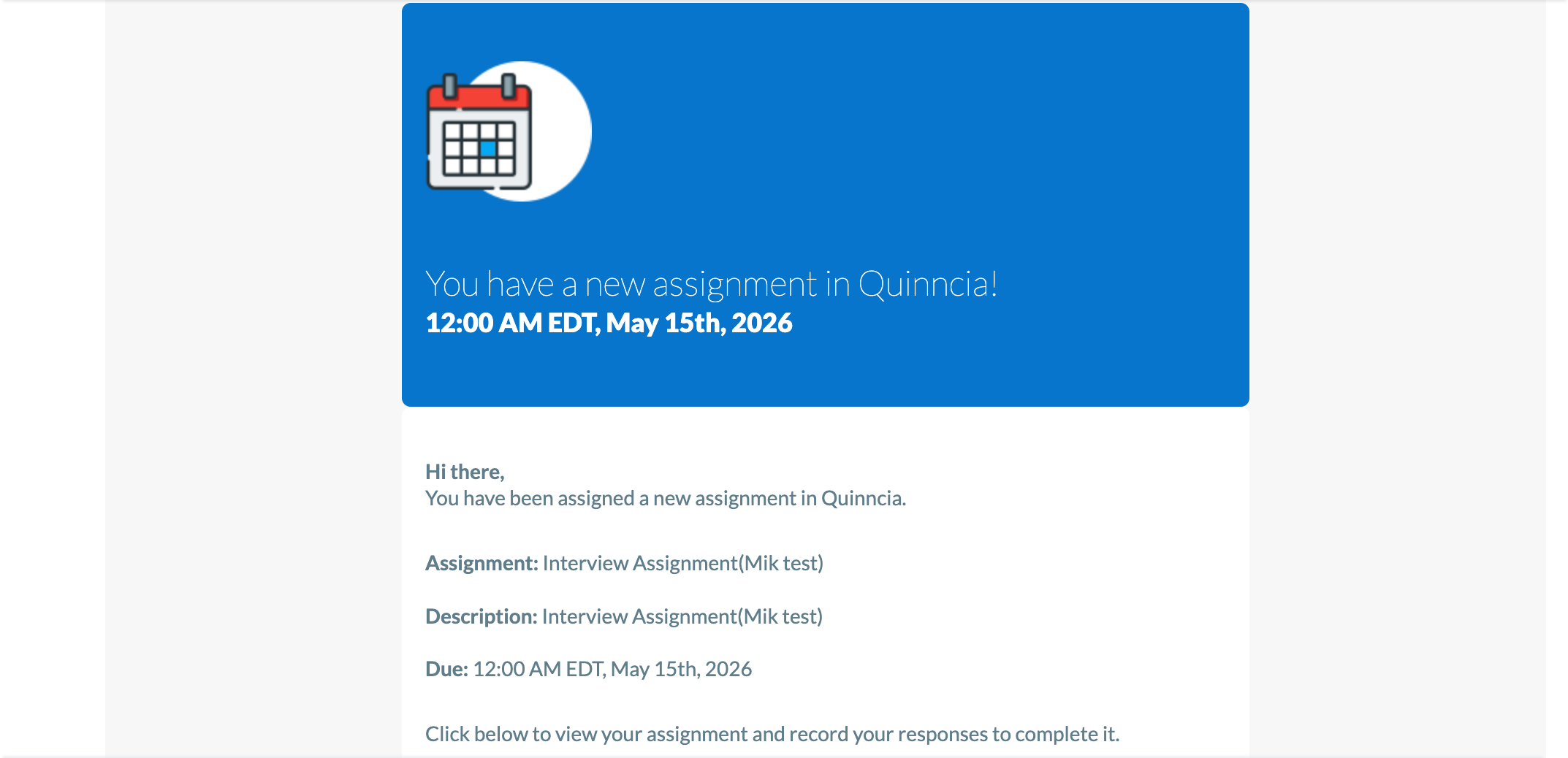
- Enter your email address and password to sign in to the Quinncia platform.
- On your dashboard, scroll down to find the “Start Your Assignment” section.
- Click the “START NOW” button next to the specific assignment you need to complete.
- On the welcome screen, click “SHARE CAMERA/MICROPHONE” to grant the necessary permissions and begin your interview.
- Take your interview as usual and be sure to submit it for analysis when you’re done!
- Don’t exit the page until your interview is uploaded.
- Once your analysis is complete, you’ll receive an email notification from Quinncia.
-
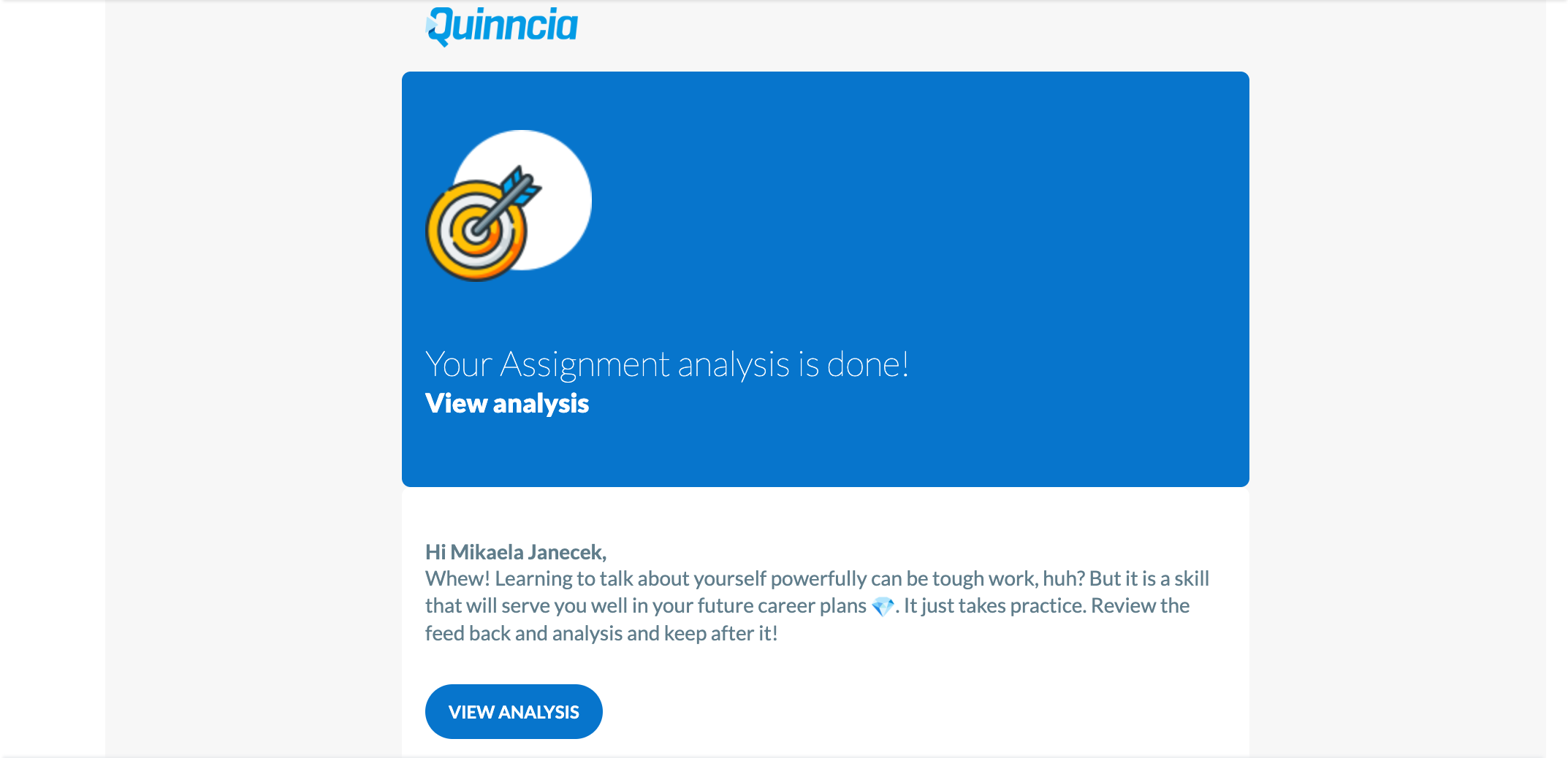
- During peak times, analysis can take 2-3 hours.
- Follow the link in your email to log back into Quinncia and review your feedback.

